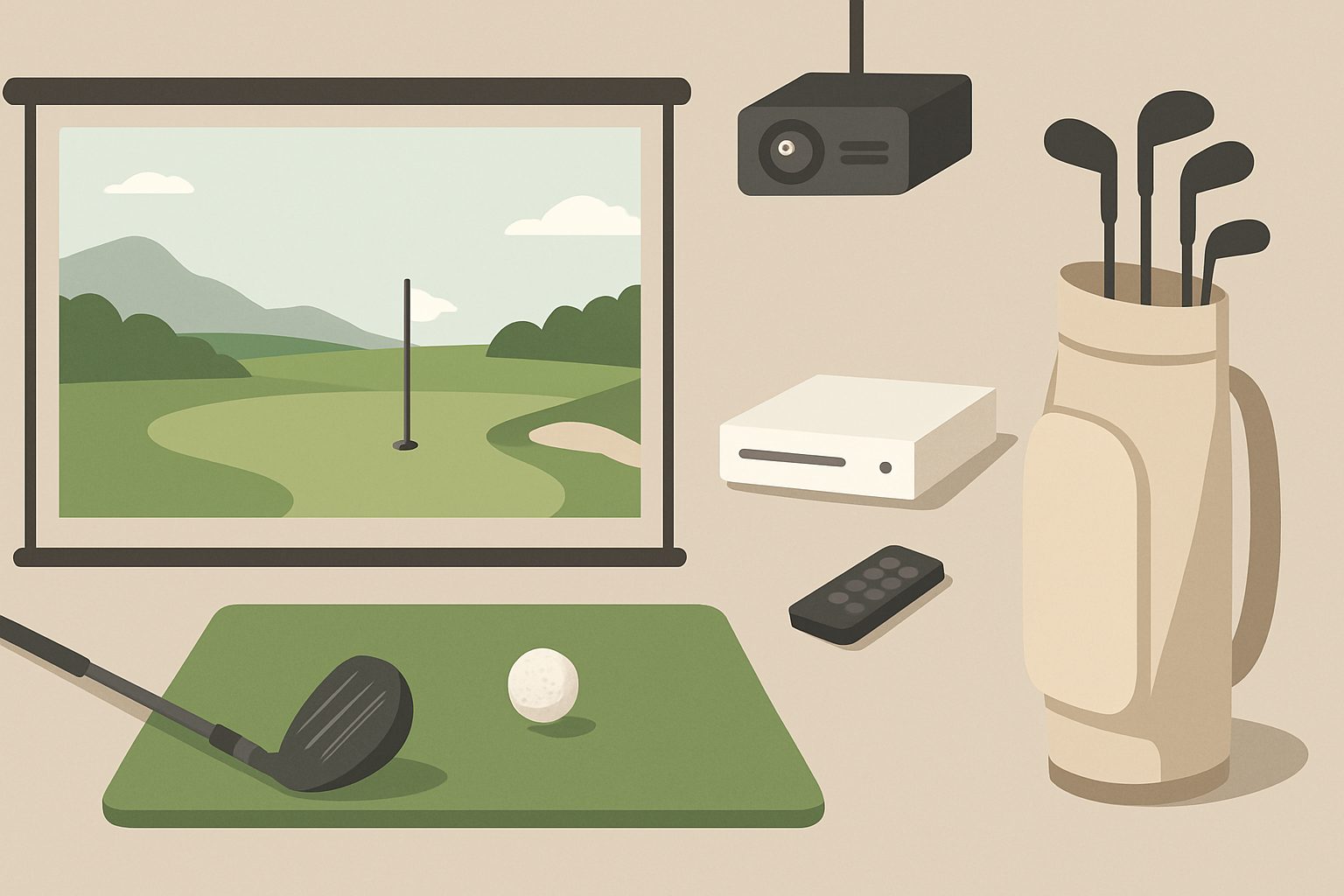
Do You Need a Projector for a Golf Simulator UK? TV vs Projector Explained
When you're setting up a golf simulator at home, the display choice matters far more than most people realise. It affects how the ball flies on screen, how accurately you can aim, and whether you actually enjoy playing regularly. The question isn't just "TV or projector?"—it's "which one lets you play golf properly?"
Why Screen Size Drives Everything
Golf simulators need space. Not the space inside the box—the space in front of it. You're standing roughly 1.5 metres back from the screen, holding a club, taking a full swing. At that distance, a 55-inch TV fills maybe 30 degrees of your vision. A 2.5-metre-wide projected image fills 80 degrees. That difference—immersion versus watching—is everything.
The ball flight, impact data, and feedback all appear on that screen. If the image is small, you're squinting at detail work. You're hyper-conscious that you're hitting into a rectangle on a wall. Swing mechanics deteriorate because your brain doesn't feel like you're actually playing golf.
The TV Option: Practical but Limited
A TV is the easy choice. You've probably already got one. Setup takes an afternoon. It sits on the wall when you're done. A good 55 to 65-inch model costs £400–£800, integrates with your launch monitor and software without fuss, and handles brightness decently in most living rooms.
The honest limitations: at standard viewing distances in a home space, even a large TV doesn't create peripheral vision. Depth perception suffers slightly—your brain knows it's a flat screen. More importantly, you can't see the full fairway. On par-5s, you're scrolling or relying on distance markers rather than actually seeing the landing zone. In competitive play or practice, that matters.
TVs also struggle with refresh rates above 120Hz in budget models, which affects how smooth ball flight appears. The contrast ratio, though improving, still doesn't match what a decent projector delivers in a dark room. Blacks stay grey-ish. You lose detail in shadow areas of the course graphic.
However, if you've got limited space, need a secondary display for a smaller simulator setup, or want to demo the concept before committing, a TV is completely viable. People play golf simulator regularly on TVs and enjoy it.
The Projector Advantage: Immersion and Fidelity
Projectors create something TVs don't: peripheral vision. A 2.5 to 3-metre wide image puts the fairway at the edge of your sight. Your body reads it as real space. Swing confidence improves because your spatial awareness isn't fighting the setup.
The visual difference in darkness is stark. A projector's contrast ratio—the black it produces—genuinely changes how the ball appears in flight. You see flight curves, spin, and descent angle with precision. Greens show subtle contours and shadows that disappear on a TV. Reading a breaking putt becomes a real skill rather than guesswork.
Brightness varies by projector. A 3,000-lumen model performs fine in a simulator enclosure with blackout conditions. In ambient light, you need 4,000+ lumens and will still struggle at midday in a conservatory. This is why most UK installs use dedicated enclosure setups rather than trying to run them in the open lounge.
The tradeoff is cost (£1,000–£3,500 for a decent golf-specific projector), space requirements (you need depth for throw distance, and a blackout setup), and maintenance (filters, occasional cleaning). The learning curve is also steeper—ceiling mounting, keystone correction, colour calibration. It's an actual system, not just a telly on the wall.
Throw Distance and Enclosure Reality
A key practical point: short-throw projectors (which sit 1–2 metres behind the screen) cost significantly more than standard-throw models. Most home setups use standard-throw projectors, which means you need adequate ceiling height and depth. For a 3-metre-wide image, you're typically 3–4 metres back from the screen. This rules out corner conversions and tight spaces.
This is why enclosure kits exist. A dedicated frame with blackout material maximises contrast, controls light bleed, and contains the space. The cost isn't just the projector—it's the enclosure, proper ceiling mounting, and screen material. Budget accordingly.
The Honest Recommendation
If you're serious about golf simulator—if you're playing more than once a week, working on swing mechanics, or playing competitively—a projector delivers a fundamentally different experience. The immersion changes whether you keep using it after month two.
If you're testing the concept, space-limited, or playing casually twice a month, a good TV does the job without the complexity or investment.
The sweet spot for most UK home setups is a mid-range projector (3,000–3,500 lumens), a proper enclosure, and a quality hitting mat. It costs more upfront than a TV, but the golf experience—and your long-term enjoyment—justifies it.
More options
- Garmin Approach R10 Golf Launch Monitor (Amazon UK)
- SkyTrak+ Golf Launch Monitor (Amazon UK)
- Golf Simulator Impact Net & Enclosure Kit (Amazon UK)
- Golf Simulator Hitting Mat (Amazon UK)
- Short-Throw Projector for Golf Simulator (Amazon UK)